
How AI Text-to-Image Tools Are Changing the Way Designers Work
AI text-to-image generation is now a core design tool. Learn how it fits your existing workflow for mockups, client briefs, and product shots.
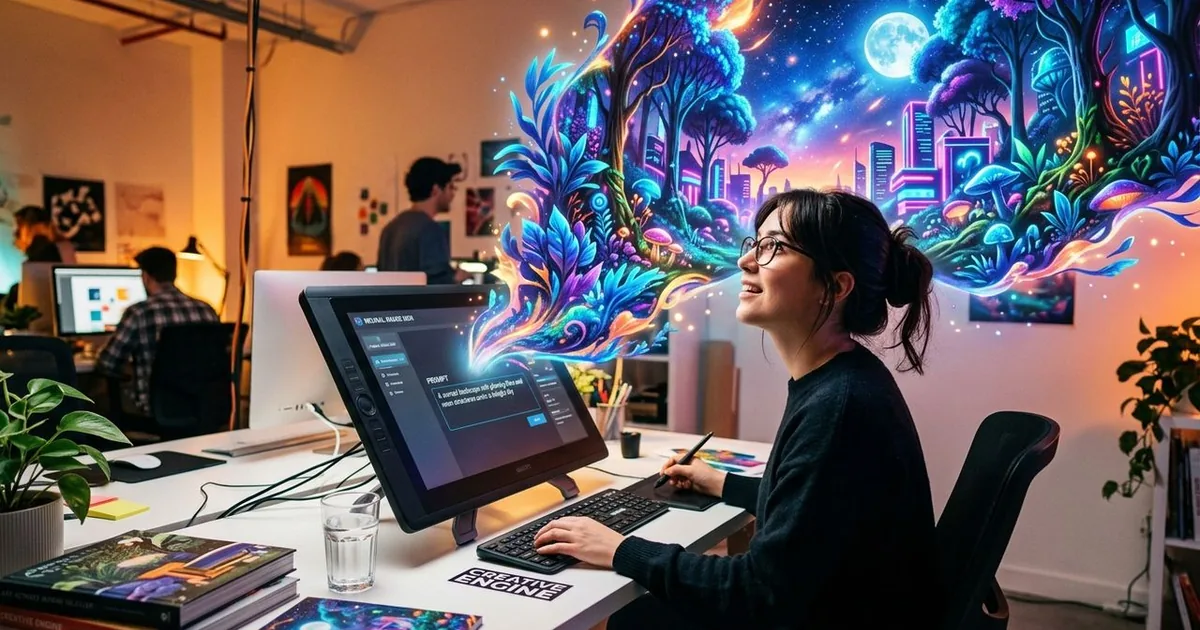
For years, the average designer's workflow revolved around a familiar lineup: photo editors, file converters, compression utilities, and either a camera or access to a photographer. That combination got the job done. But something has shifted. AI image generation has crossed a threshold, moving from an interesting experiment into a genuinely practical tool, and designers who are not paying attention are starting to feel the gap. This is not about replacing your camera or your eye for composition. It is about adding a layer to the toolkit you already carry.
Key Takeaway:
1. AI text-to-image tools let designers produce visual mockups and concept art from written descriptions alone, cutting the time between idea and visual draft significantly.
2. Client briefing sessions improve when a rough AI-generated visual sits beside the copy, giving stakeholders something concrete to react to rather than imagining it.
3. E-commerce teams can generate clean product imagery for multiple SKUs without booking a photography studio, reducing costs and turnaround time considerably.
Why the Timing Makes Sense Now
The tools have gotten good. That is the honest reason. A few years ago, AI-generated images had a reputation for mangled hands, nonsensical text, and an uncanny plastic sheen that made them easy to spot and hard to use professionally. The gap between what you described and what you got was wide enough to be frustrating. That gap has narrowed considerably. The underlying technology, known as diffusion modeling, has matured to the point where a careful prompt can yield something usable, sometimes on the first try.
For designers who spend significant time on JPG compression, HEIC conversion, or stripping metadata before handing files to clients, this matters. You already use web-based tools to handle the parts of the job that would otherwise slow you down. AI image generation fits the same pattern. It handles a visual task that would otherwise require either a long setup or a budget you might not have.
Briefing Clients and Building Mockups
This is where AI generation earns its place in a professional workflow fastest. Client briefing has always involved a degree of translation, turning written strategies and verbal descriptions into something the client can actually see. The old approach was to pull stock photos, sketch rough wireframes, or wait until a photographer had delivered assets before you could show the client anything concrete.
AI changes that timeline. You write a description of what you are imagining, and you get a visual in seconds. The result might not be the final image. It rarely is. But it does not need to be. Its job is to anchor the conversation, to give the client something to point at and say "yes, that direction" or "no, something warmer." That feedback loop, which used to take days, can now happen in the same meeting.
The phrase "text to image" describes exactly what is happening: a written description becomes the starting point for a visual. Tools that offer text to image generation let you stay inside your browser without needing to install software or manage complicated settings. For a mockup that exists purely to move a client conversation forward, that accessibility matters a great deal.
A few things to keep in mind when building mockups for client presentations:
- Be specific in your prompt. Vague descriptions produce generic results. Name the lighting style, the color palette, the approximate composition, and whether the image should feel editorial or commercial.
- Generate several variations. AI tools are fast enough that producing four or five versions in a row costs almost no time, and having options gives the client something to compare rather than just accept or reject.
- Label the mockup clearly. Mark AI-generated images as drafts or concepts so there is no confusion about what is final and what is directional.
- Save prompts that work. If a prompt produces something close to what you needed, keep a copy. Refining a good prompt is faster than starting from scratch the next time a similar brief comes in.
Where Designers Are Using It Most
The use cases cluster in a few predictable areas. Concept presentations come first, particularly when a designer is pitching a direction before any real photography has been commissioned. Mood boards come second, where AI-generated images fill gaps that stock libraries cannot cover because the needed visual is too specific or too unusual to exist as a licensed stock photo.
Social media content is a third area. Teams that post at volume, running multiple accounts or managing several brands at once, face a constant demand for fresh visuals. AI generation allows a designer to produce variations on a visual theme without relying entirely on photography shoots that are expensive to book and slow to edit.
Pattern and texture work is a quieter but consistent use case. Many designers use AI-generated images as raw material, extracting color palettes, converting outputs to different formats, and layering them into broader compositions rather than using the outputs as finished standalone pieces. For anyone already accustomed to working with files across multiple formats, this feels natural.
The E-commerce Workflow That Is Saving Photography Budgets
Product photography has always been a significant cost for small and medium-sized online sellers. Booking a studio, hiring a photographer, scheduling the session, and waiting for edited files to come back can stretch a simple SKU launch across several weeks and several hundred dollars per image. Multiply that across a catalog of dozens of products, and the numbers become difficult to justify, especially at the early stages of a brand.
AI generation has opened a different path. You describe the product in context, specify a background, name the lighting conditions, and let the tool build a photograph that never required a studio. The results are not always perfect, and for high-end product launches where visual credibility carries significant weight, professional photography still makes sense. But for a catalog of similar items, or for testing a concept before committing to a full shoot, a product photo generator can compress both the timeline and the cost significantly.
This is not a signal that product photographers are going away. It is a signal that the floor for producing adequate product imagery has lowered, which means the premium for truly exceptional photography has actually increased in relative terms. Clients who once settled for basic shots now have higher expectations because the baseline has risen around them.
Fitting AI Generation Into a File-Focused Workflow
Designers who work with JPG files, HEIC exports, or PNG assets every day already think in terms of file outputs. You know that format matters, compression level matters, and resolution matters depending on where the image is going. AI generation fits into that mindset naturally. The output is a file, like any other. You compress it, convert it, resize it, and strip the metadata before sending it to a client.
The integration point is the same place where file conversion tools live: the browser, during the part of the workflow that sits between creative work and delivery. Adding an AI image step does not require rebuilding how you work. It slots into the gap that previously required either a long stock photo search or a call to a photographer to ask whether they had anything usable in their archives.
The broader generative AI category has grown fast enough that there are now meaningful differences between tools in terms of style, resolution, consistency, and speed. Testing a few options to find the one that fits your visual sensibility is worth the time you put into it.
What Changes and What Stays the Same
AI image generation changes the speed at which you can produce a first visual. It does not change the judgment required to know when a visual is actually working. A designer still has to evaluate the output, decide whether the composition is right, recognize when the lighting feels off, and push the image further if it is not there yet.
The skills that make a good designer, specifically the ability to read a visual and understand what a client needs from it, are the same skills that make AI generation useful. Without those skills, a designer would not know which prompts to write or which outputs to keep. The tool amplifies existing creative ability. It does not substitute for it.
Where the Toolkit Goes From Here
File converters, compression tools, and AI image generators are all doing the same basic job: they handle the parts of the process that are mechanical so that you can spend your time on the parts that require genuine creative thinking. The tools that succeed are the ones that stay out of the way. They are fast, browser-based, and do not demand that you change your workflow to accommodate them.
Designers who add AI generation to their standard set of utilities are not changing what they do. They are changing how much they can produce, how fast a client conversation can move, and how many visual problems they can solve without needing to commission something new from scratch. That is a meaningful shift, even if the underlying creative work remains exactly the same.
The designers who figure this out early will carry a practical advantage, not because AI is doing the creative work for them, but because they will spend less time on the parts of the job that used to have no shortcut.