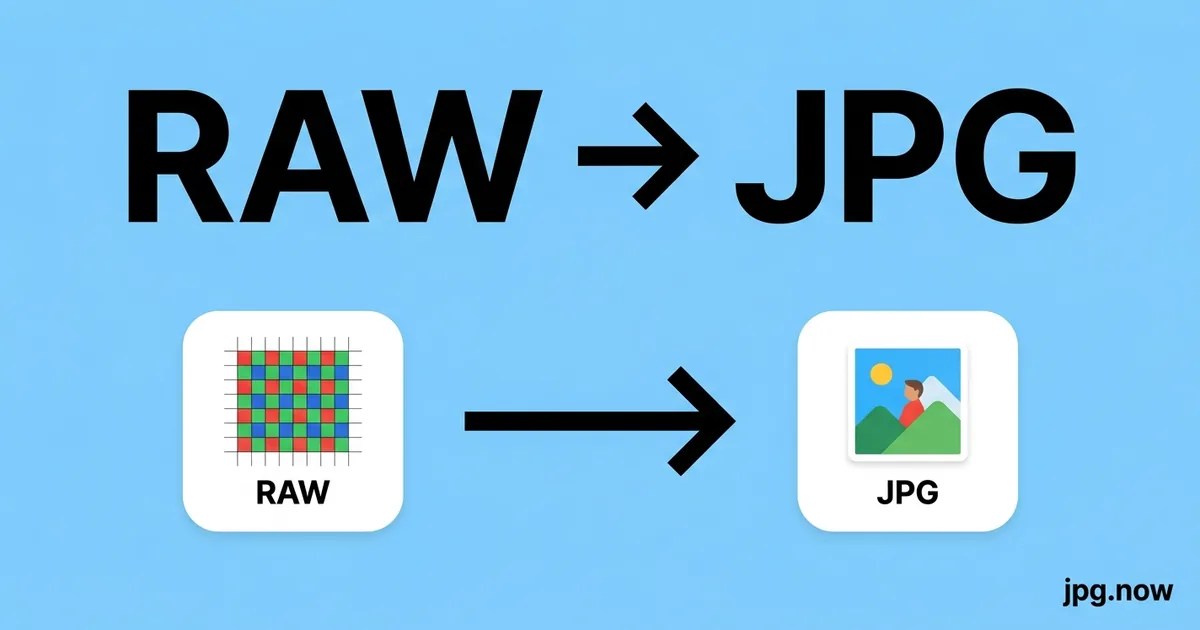
Convert RAW to JPG Online
Convert RAW camera files to JPG for easy sharing and viewing.


Drop your RAW file here
or click to select
How RAW to JPG works
Upload RAW
Drag & drop or click to select your RAW file.
Choose Options
Adjust quality, size, or other output settings if needed.
Download JPG
Click Convert and your JPG file downloads instantly.
About RAW to JPG conversion
Camera RAW formats (CR2, CR3, NEF, ARW, RAF, DNG, RW2, ORF, and others) store the unprocessed sensor data from your camera - Essentially everything the image sensor captured, before the camera's internal processor applies sharpening, noise reduction, white balance, and colour rendering. This gives photographers maximum post-processing flexibility but requires specialised software to view and share.
Converting RAW to JPG produces a standard, universally shareable image. The conversion applies automatic white balance, tone curve, and basic colour rendering to produce a natural-looking result. For maximum creative control over the final look, professionals use Adobe Lightroom, Camera Raw, or Capture One to develop RAW files with custom settings before exporting to JPG.
RAW files are considerably larger than JPEG: a 24 MP camera produces a RAW file of 25–40 MB versus a JPG of 4–12 MB. Converting RAW to JPG at quality 90–95% provides a file suitable for sharing, archiving, and web publishing while retaining excellent image quality.
Where JPG comes from
RAW is not a single format - it's a category for camera-sensor data files like Canon CR2/CR3, Nikon NEF, Sony ARW, Fuji RAF, and Adobe's open DNG. The first widely shipped RAW format was Kodak's DCR in 1996 on the DCS 460 professional body. Adobe published DNG (Digital Negative) in 2004 as an attempt to unify the ecosystem under ISO 12234-2 / TIFF-EP. Despite DNG's promise, every camera maker still ships its own proprietary RAW, which is why Adobe Camera Raw and DxO PhotoLab maintain decoder libraries covering more than 800 distinct camera bodies as of 2025.
RAW vs JPG at a glance
| RAW | JPG | |
|---|---|---|
| Compression | Lossless or visually lossless | Lossy DCT |
| Bit depth | 12-14 bit per channel | 8 bit per channel |
| Typical file size (24 MP photo) | 25-50 MB | 5-10 MB at Q90 |
| White balance editable post-capture | Yes (non-destructive) | No (baked in) |
| Best for | Editing master in Lightroom / Capture One | Delivery to client / web / social |
| Universal viewer support | No (camera-specific) | Yes |
Real-world workflow — Wedding photographer delivers a sneak-peek gallery the next morning
- Import 1,800 RAW files (Sony .ARW, Canon .CR3) into Lightroom Classic at 11 PM.
- Cull to 120 keepers using the X / P flag workflow; rough edit a preset on all 120.
- Export RAW to JPG at Q85, 2400 px long edge, sRGB, with a sRGB watermark in the bottom-right.
- Total JPG export: about 480 MB, uploaded to Pic-Time gallery in 6 minutes over fiber.
- Send couple the gallery link at 8 AM; full RAW edits delivered 4-6 weeks later.
Recommended conversion settings
| Use case | Settings |
|---|---|
| Same-day client preview | Q80, 1600 px long edge, sRGB, watermark |
| Final delivery JPGs | Q92, full resolution, sRGB, embed copyright IPTC |
| Instagram portfolio | Q88, 2160 px long edge, sRGB, strip GPS |
| Print at lab (Bay Photo, WHCC) | Q100, 300 DPI, Adobe RGB or ProPhoto |
| Stock submission (Adobe Stock) | Q100, full resolution, embed all metadata |
Where will your JPG file open?
| Platform | RAW | JPG |
|---|---|---|
| macOS Preview | ✓ | ✓ |
| Windows Photos | ~ | ✓ |
| Gmail (web) | ✗ | ✓ |
| Outlook desktop | ✗ | ✓ |
| iOS Photos | ~ | ✓ |
| Android Gallery | ~ | ✓ |
| Adobe Photoshop / Lightroom | ✓ | ✓ |
| Chrome / Safari / Firefox | ✗ | ✓ |
| Slack / Discord | ✗ | ✓ |
When to convert RAW to JPG
RAW files are the unprocessed sensor output from a digital camera - They contain more data, more dynamic range, and more editing flexibility than JPG, but they cannot be viewed or shared without specialist software. Converting RAW to JPG is the essential last step in any photography workflow that ends in sharing, printing, or publishing.
Photographers shooting in RAW do so to preserve maximum editing latitude: highlight recovery, shadow lifting, white balance adjustment, and noise reduction all benefit from having the full raw sensor data. Once editing is complete in Lightroom, Capture One, or a similar RAW editor, the JPG export is the deliverable - The file that goes to the client, the photo agency, the wedding album, or the magazine.
When RAW editing software is not available - Such as on a shared computer, a friend's machine, or when editing time is limited - A direct RAW-to-JPG conversion applies automatic white balance and tone mapping to produce a clean, viewable JPG without requiring any manual adjustments. This is ideal for quick previews, proof sheets, and sharing photos straight from the camera.
RAW to JPG tips
- For the best tonal rendering, develop RAW files in Lightroom or Capture One with your preferred colour grading before exporting to JPG - The automatic conversion applies sensible defaults but won't match custom adjustments.
- Use quality 90–95% for RAW-to-JPG conversion to preserve the full detail captured by your camera sensor.
- Keep your original RAW files as permanent archives even after converting -RAW data cannot be recreated from a JPG.
- Check white balance before converting - The automatic correction handles most scenes well, but mixed lighting or unusual colour casts may need manual adjustment.
Why use this RAW to JPG converter
Related tools
Formats involved
RAW – RAW Camera Image
JPG – Joint Photographic Experts Group
RAW to JPG tips
- Use the Daylight white balance preset for outdoor shots taken in natural light — Auto works for most mixed-light situations.
- Set quality to 90–95 when converting RAW to JPG for archival or editing purposes; use 75–85 for web sharing.
- RAW conversion cannot recover focus or exposure errors — adjust in Lightroom or similar software before converting if the shot needs work.
- JPG from RAW is a one-way process; keep the original RAW file if you may want to re-edit the image later.
RAW to JPG — frequently asked questions
Related guides & articles
Maybe you wanted something else?
- For Canon RAW specifically → CR2 to JPG
- For Nikon RAW specifically → NEF to JPG
- For Sony RAW specifically → ARW to JPG
- If you want a 16-bit master instead → RAW to TIFF via JPG
Articles you might like
Related conversions
 PNG → JPG
 WebP → JPG
 HEIC → JPG
 PDF → JPG
 TIFF → JPG
 BMP → JPG
 SVG → JPG
 GIF → JPG
 JPG → JPG
Embed this tool on your website